Optimizing the Virtual Try-On Experience
Enhancing usability and accessibility for all
Helping all shoppers see themselves in new frames.
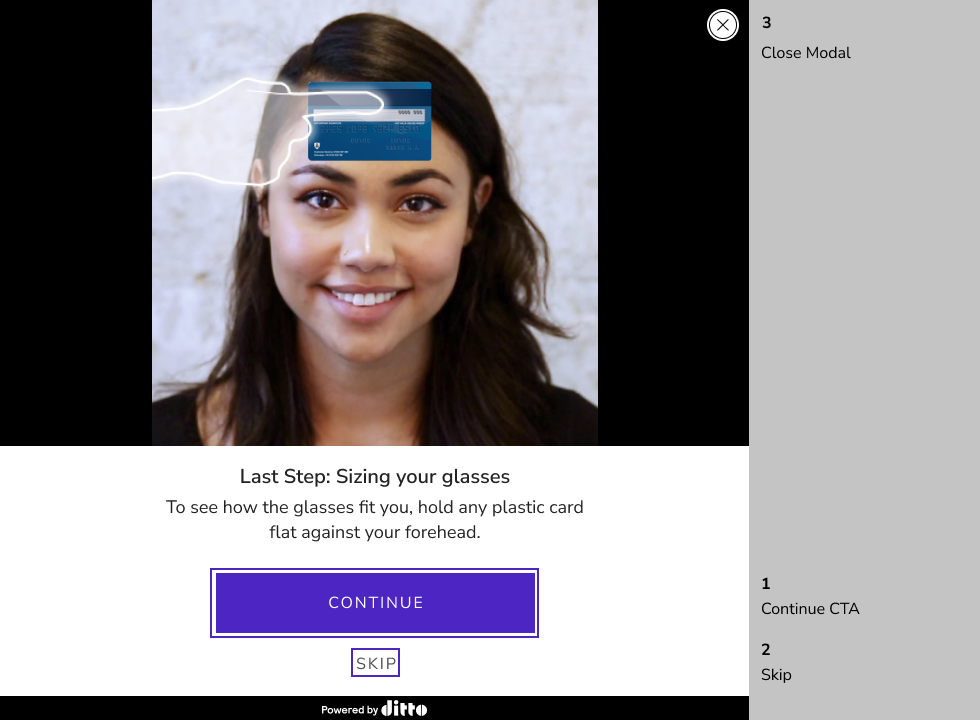
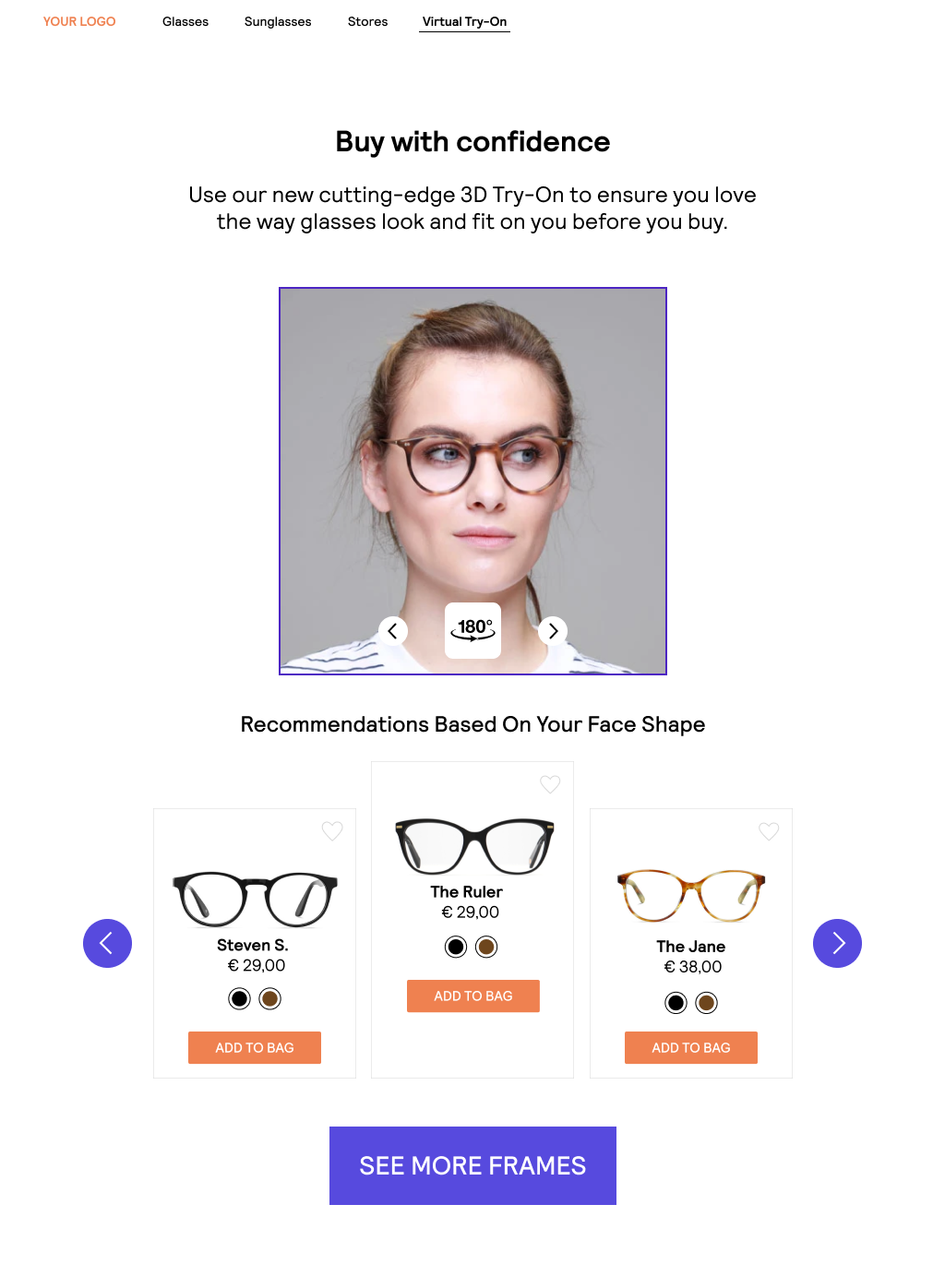
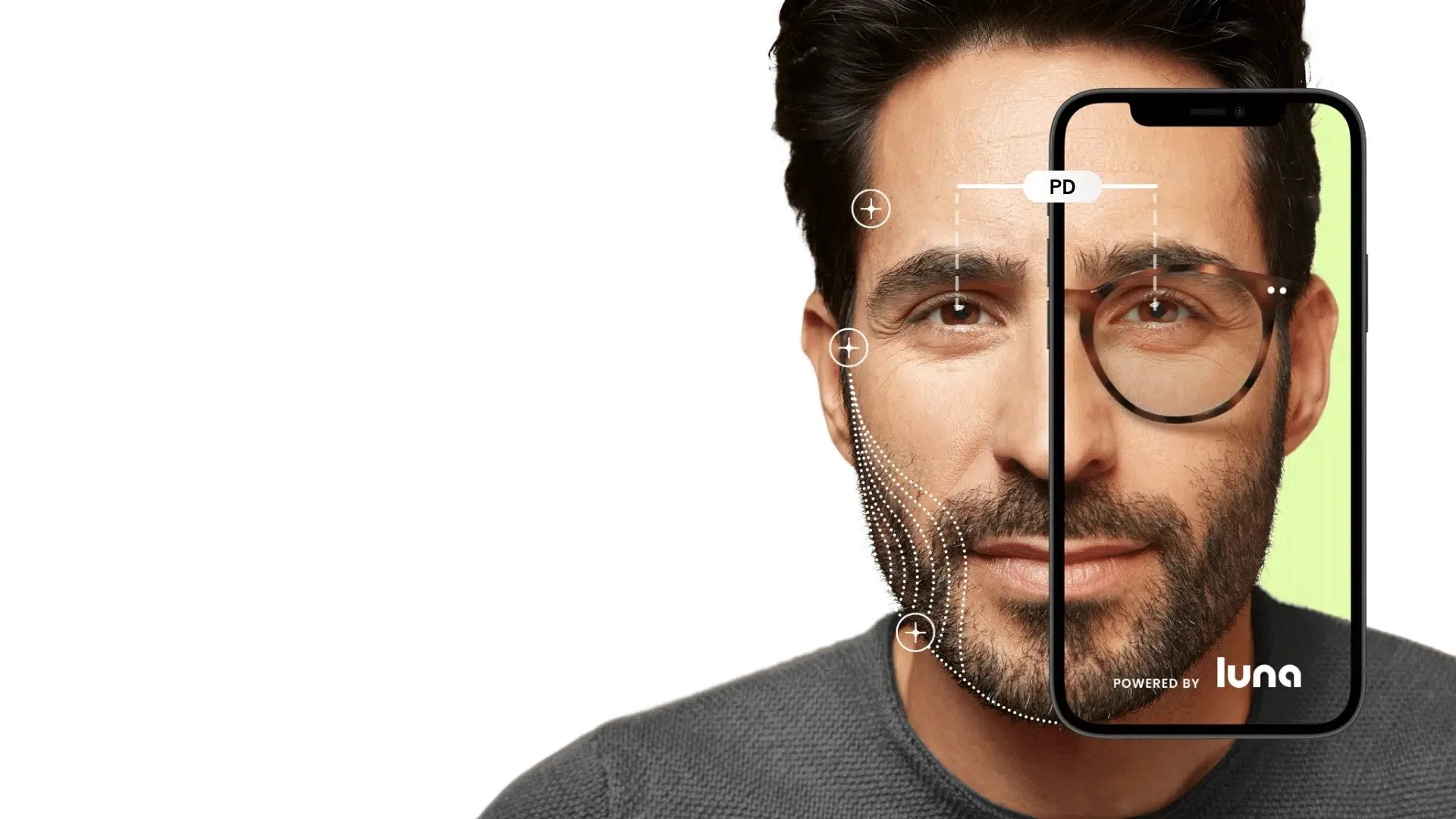
Shopping for eyewear poses a unique challenge for individuals with vision correction, as trying on new frames requires the removal of existing glasses. The solution: Virtual Try-On (VTO). While this technology existed within 1-800 Contacts and other B2B partner experiences, the challenge was to optimize the app for universal usability and accessibility.
The challenge
The objective was clear: enhance the visual clues, audio cues, and keyboard controls to make the VTO experience seamless and accessible for all users.
My role
In this collaborative project, my role was to provide UX recommendations to the internal team managing the tool.
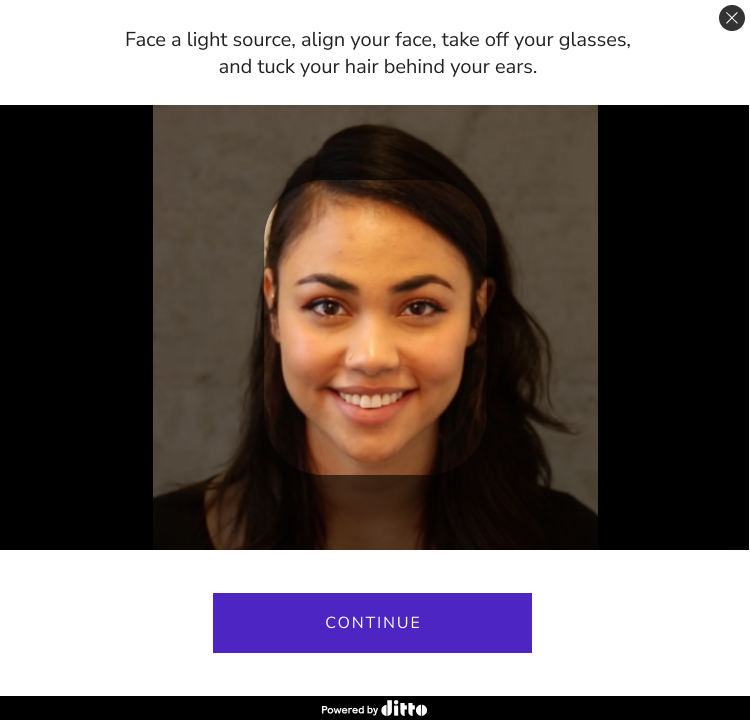
You can see a live [current state] version of this tool now:
What we did
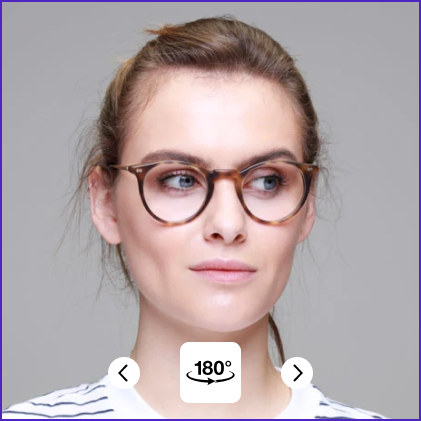
Our work was primarily focused in three areas:
Keyboard interactions
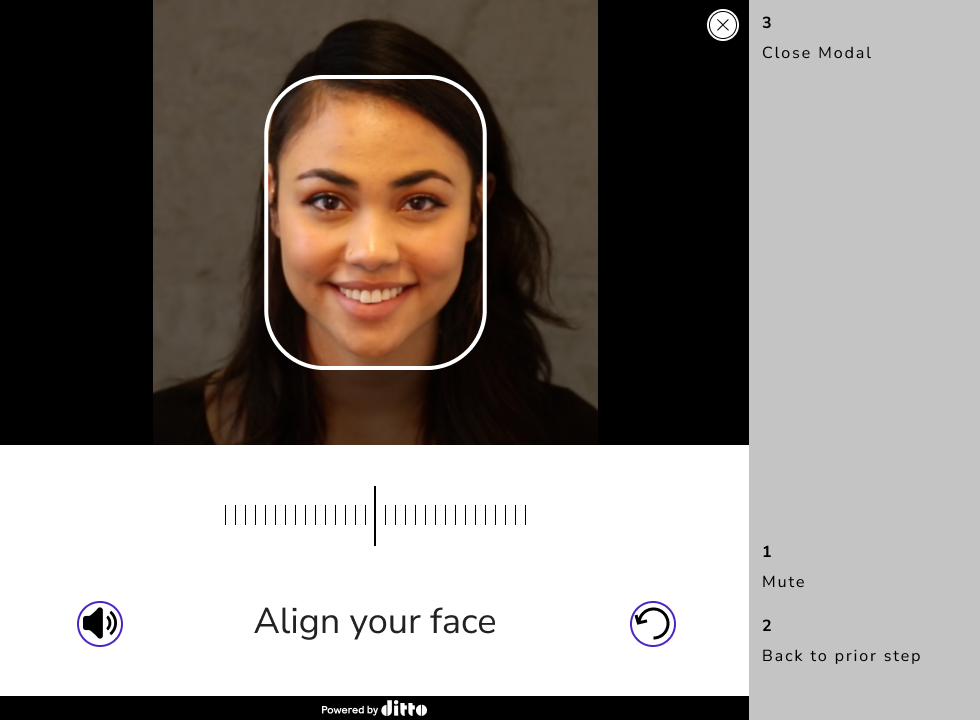
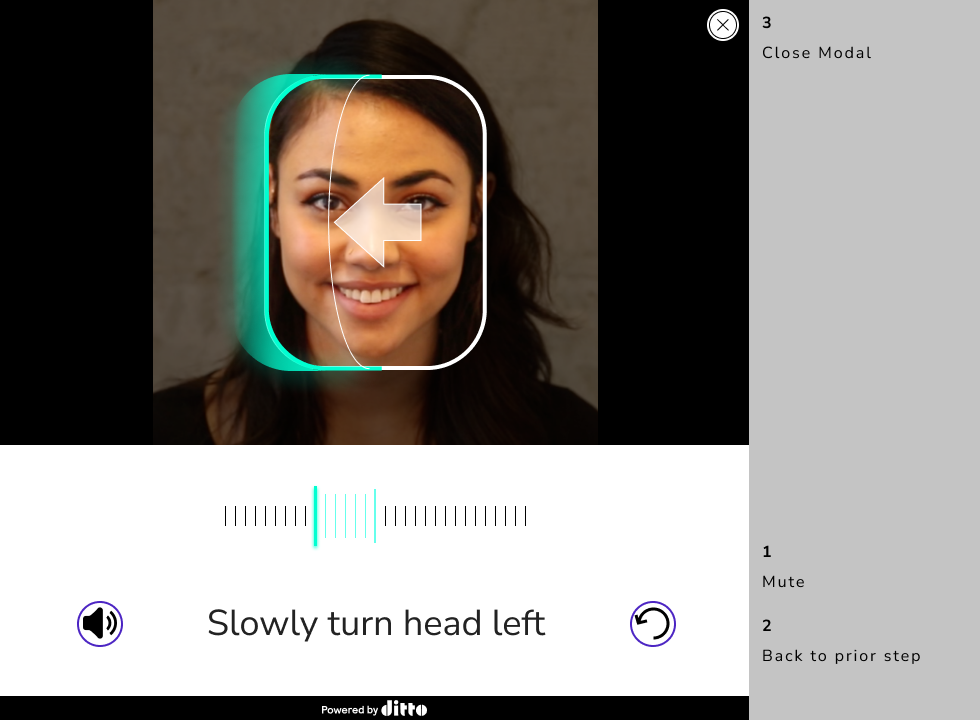
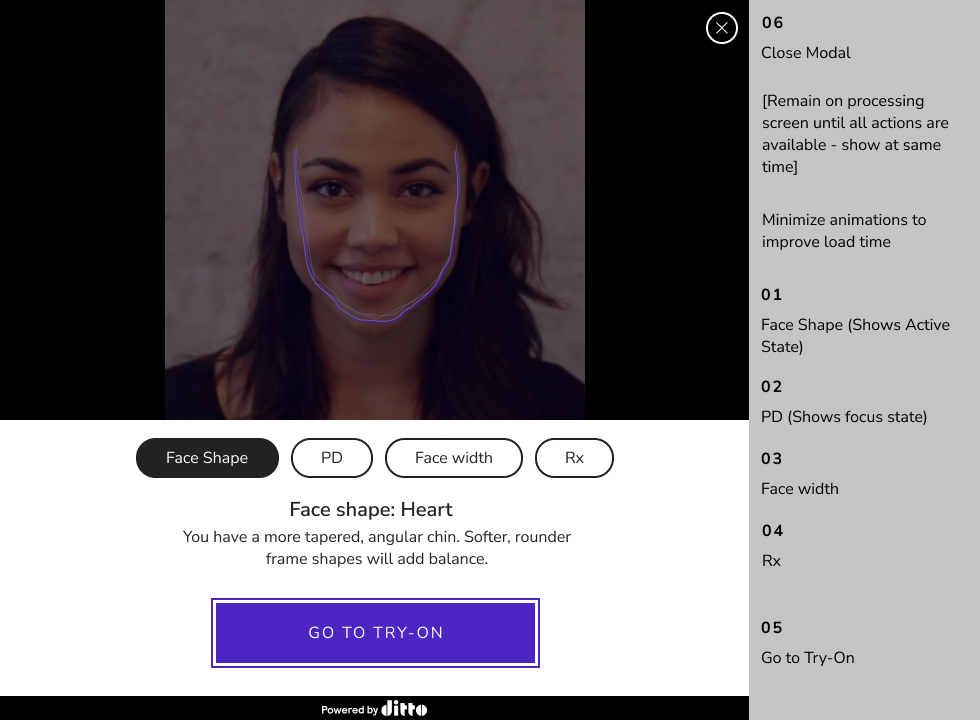
To ensure a user-friendly experience, we introduced keyboard interactions allowing users to navigate the scan and interact with their 3D image using standard keyboard controls.
We added the ability to ‘tab’ through the experience and use all standard keyboard controls
We made it possible to use arrows to interact with the 3D scan of the user’s face; allowing them to move their head left, right, up, and down to see the glasses from all angles
Audio cues
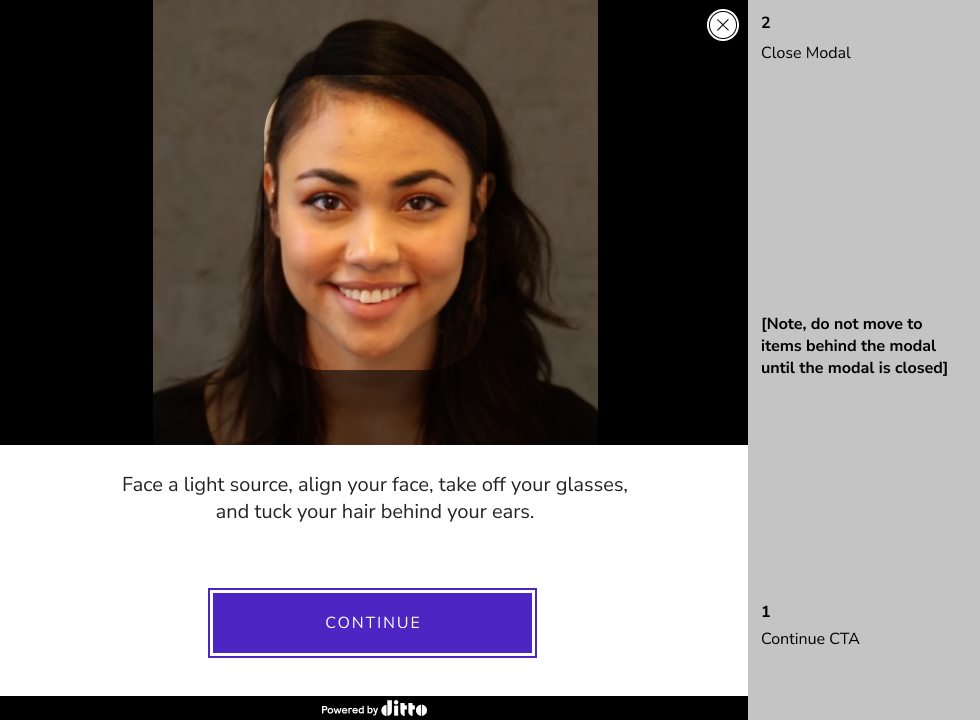
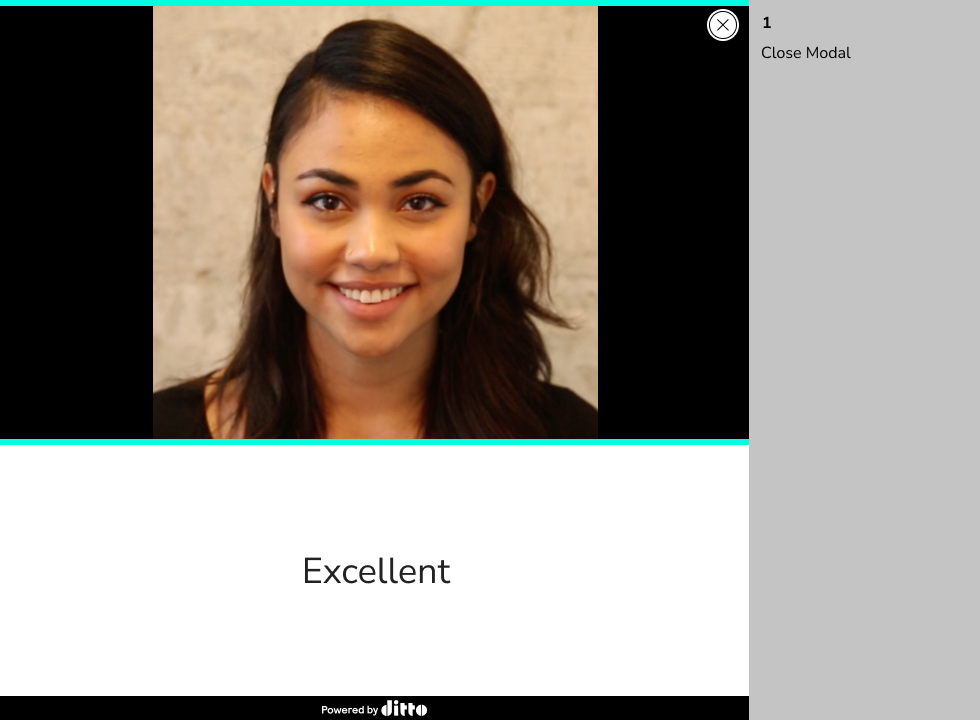
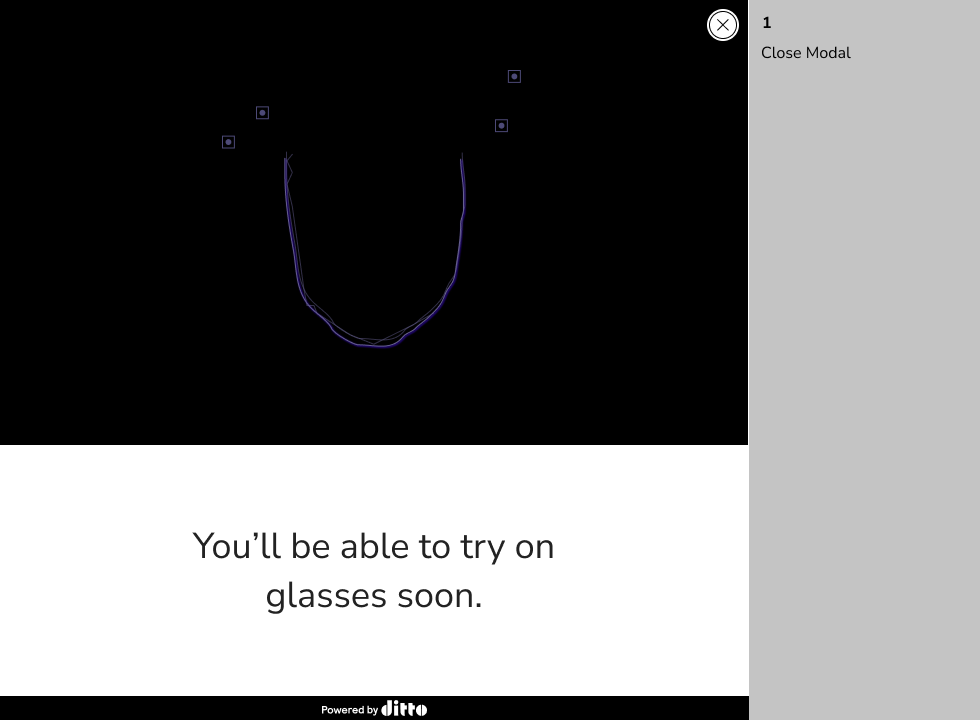
Recognizing that some users may not see the screen (due to the initial removal of glasses), we incorporated clear voice cues to guide them through the VTO experience.
Visuals and text
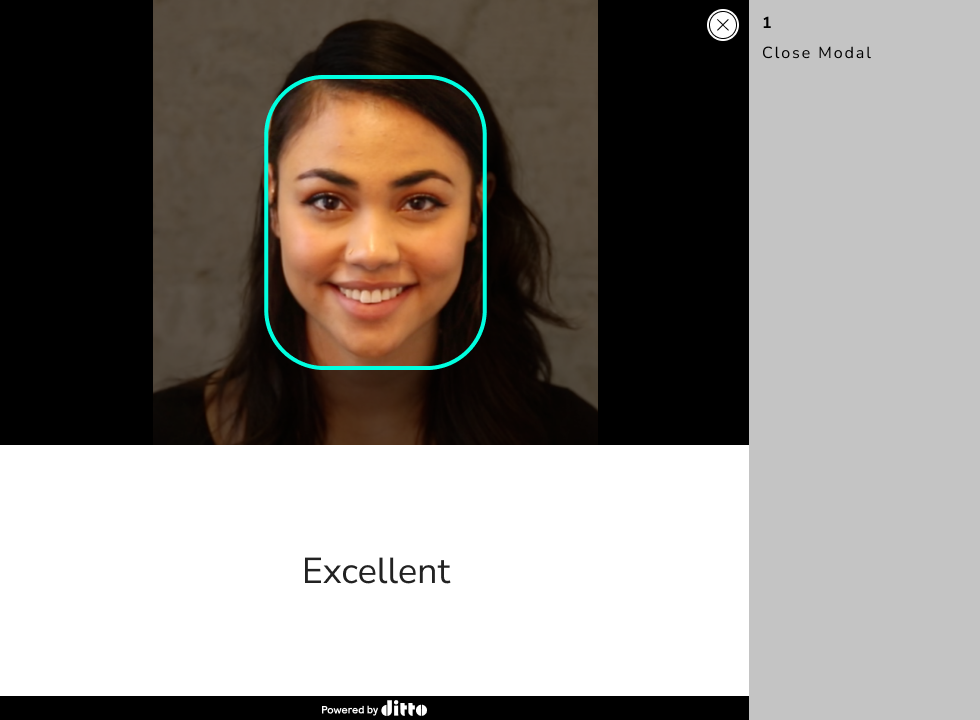
To cater to diverse user needs, we implemented clear interactive elements with high contrast, large click areas, and standard patterns, ensuring a seamless experience for all.
Results
Though the project was still in development when I departed from 1-800 Contacts, the VTO enhancements performed well in testing. The virtual try-on experience was well on its way to becoming more usable and accessible for all eyeglass shoppers.